The very first moments with the Atom editor: how it looks, how it works, what’s missing still.
I got a beta invite, I feel special.
It’s a rare occasion to get to try a new editor that rivals the all mighty Sublime Text. Speaking of Sublime Text, Atom UI is very similar to Sublime Text.
The look & UI
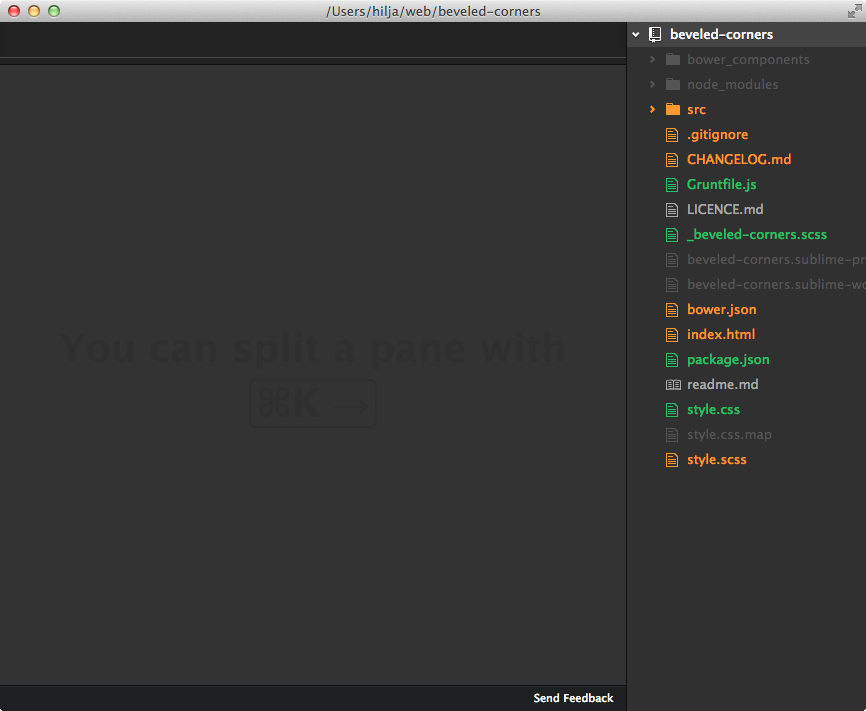
Straight out the box:
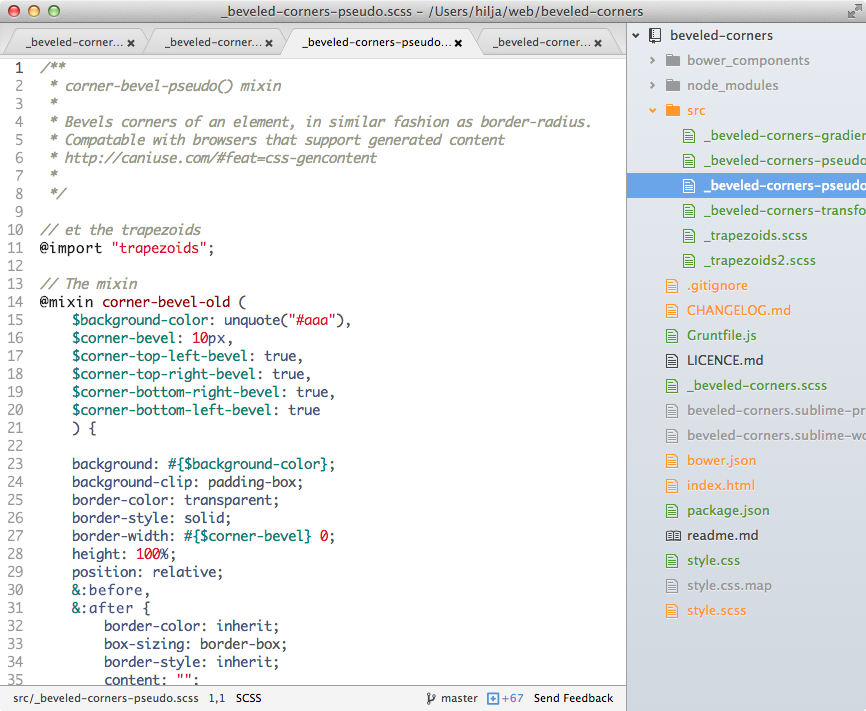
The light theme is alright also:
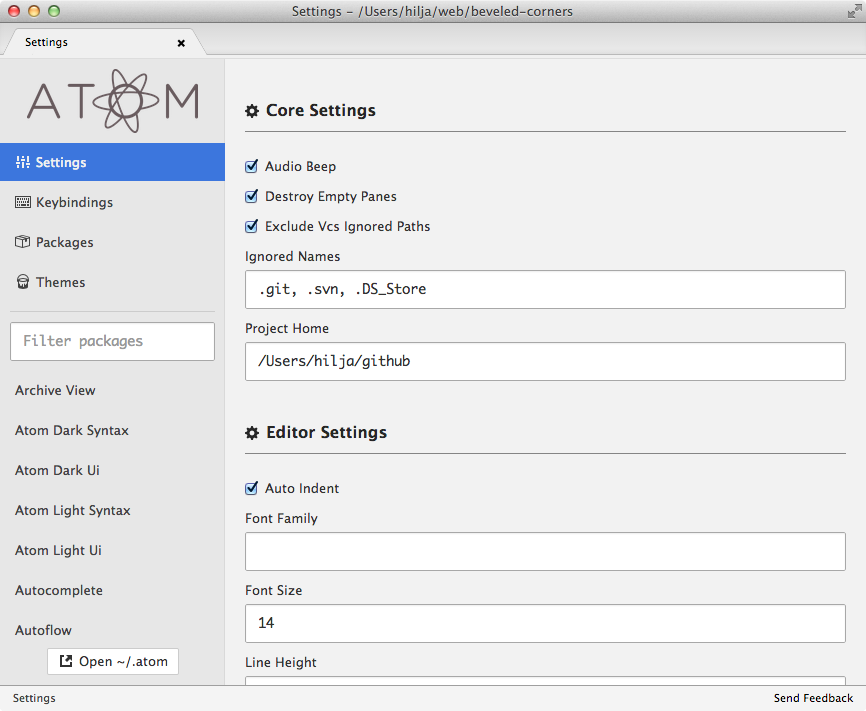
Settings look like this, no more json files (consider that good or bad):
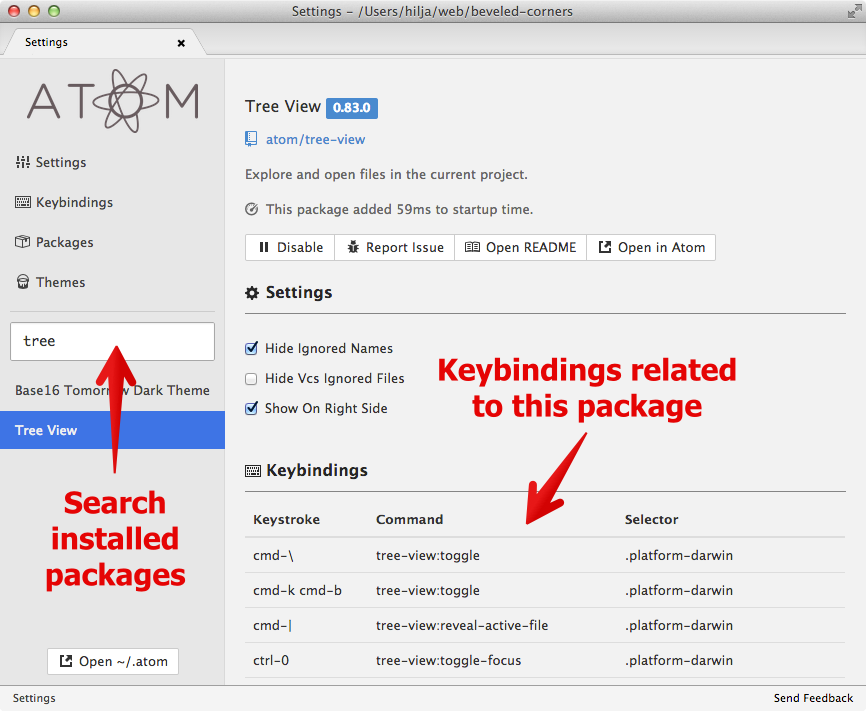
In settings you can search packages and see shortcuts related to them:
The differences compared to other editors
Atom is based on web technologies, it’s written with Javascript and CSS, building packages for it is really easy, since these technologies are common to all of us front-end devs.
In a year or so, I really see this being the de facto editor for web developers. Remember TextMate? The editor we all used and loved, until one day, a day just like today, we were all head over heels into Sublime Text.
What’s missing
-
How do I manage projects? Can't find a package for that
Found a package for that.
-
No SFTP package. It’s nice to work from the command line sometimes on small demo sites
-
And probably loads of other stuff also... I just last night installed it :)
But hey, Atom is still in its infancy. It looks very promising!