With bash string manipulation it’s easy to replace strings in your scripts. And sed comes in handy when replacing strings in multiple files with regexes patterns if needed.
Bash string manipulation
Sed is not needed if doing simple replacements in a scripts, bash can do that out of the box. The syntax is like so:
${parameter/pattern/string}The following script would replace the gif files extension in foo-bar.gif with
.mp4:
#!/bin/bash
file_name="foo-bar.gif"
new_extension="mp4"

# Replace .gif with .mp4
generated_file_name=${file_name/.gif/.$new_extension}

echo generated_file_name
Basic string replacement with sed
sed is a stream editor, and there are a million things you can do with it, but this post concentrates around sed’s ability to replace simple string in files.
Here I’m using a file called metamorphosis.txt as an example, which holds a
line from Kafka’s book:
One morning, when Gregor Samsa woke from troubled
dreams, he found himself transformed in his bed into
a horrible vermin.
Let’s replace the "vermin" with a "pony" and copy the file under different name:
$ sed 's/vermin/pony/g' metamorphosis.txt > ponymorphosis.txtYou can run that in the prompt, or put it into a bash scrip.
Replace in place
The -i flag stands for "in place", it means that no copy of the file is
created and the replacing happens in the same file and no output files is deeded
to be defined:
$ sed -i 's/vermin/pony/g' metamorphosis.txtUsing variables as replace and search values
Variables can be used just as well, only they need to be interpolated and the first sed argument needs to be double quoted, instead of singular. Here’s that wrapped into a bash function:
ponyfyer() {
  local search=$1
  local replace=$2

  # Note the double quotes
  sed -i "s/${search}/${replace}/g" metamorphosis.txt
}
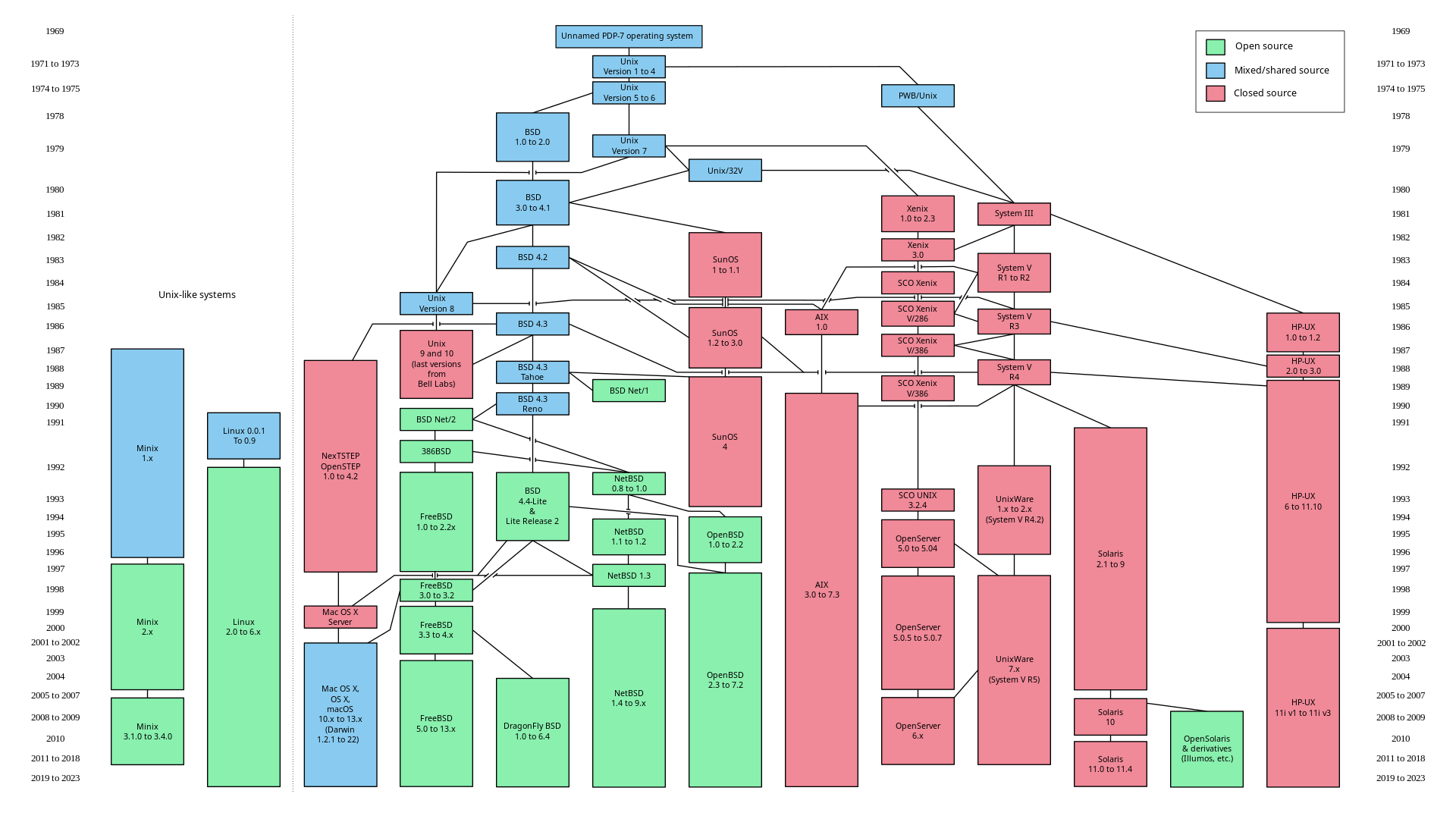
This is the time to note that there are two flavours of sed, the Linux sed, and the FreeBSD sed. Apple’s OS X branched from Next, and Next came from BSD, so OS X uses the FreeBSD flavoured sed. Which is a bit different, see the FreeBSD man page for details.
The BSD sed needs a backup file when replacing "in place", but we don’t really
need to use a backup file, so we have to define an empty backup file (the empty
pair of quotes after the -i):
ponyfyer() {
  local search=$1
  local replace=$2

  sed -i "" "s/${search}/${replace}/g" metamorphosis.txt
}
Otherwise it’ll throw an error similar to this:
sed: 1: "/Users/user/path/ponyf ...": extra characters at the end of h commandFrom now on we’re going to use the sed that comes packaged with OS X.
Replace an array of values
Let’s pick a less silly example: a config file where we replace
%%placeholder%% values. Below is the contents of a WordPress’ config file:
// config.php
define('DB_NAME', '%%DB_NAME%%');
define('DB_USER', '%%DB_USER%%');
define('DB_PASSWORD', '%%DB_PASSWORD%%');
define('DB_HOST', '%%DB_HOST%%');
And here’s a small script to do the grunt work (written in bash 4):
The associative array used by this script is explained in a separate Bash guide.
#!/usr/bin/env bash
# config.sh

# This is an associative bash array, where the key represents a search string,
# and the value itself represents the replace string.
declare -A confs
confs=(
  [%%DB_USER%%]=bob
  [%%DB_NAME%%]=bobs_db
  [%%DB_PASSWORD%%]=hammertime
  [%%DB_HOST%%]=localhost
)

config() {
  # Loop through the conf array
  for i in "${!confs[@]}"
  do
    search=$i
    replace=${confs[$i]}

    # Note the "" after -i, needed in OS X
    sed -i "" "s/${search}/${replace}/g" config.php
  done
}

# Finally run the function
configThen make it executable chmod +x version-test.sh and run it ./config.sh. Now
we should have the configured file:
// config.php
define('DB_NAME', 'bobs_db');
define('DB_USER', 'bob');
define('DB_PASSWORD', 'hammertime');
define('DB_HOST', 'localhost');
Note: when looping we have to use the in-place option.
Replacing values with forward slashes in them
If a value is, say, a URL and it has / in it, then sed returns an error
similar to this:
sed: 1: "s/%%PRODUCTION_DEPLOY_T ...": bad flag in substitute command: 'v'Or the almost identical:
sed: 1: "s/%%APP_REPO%%/git@gith ...": bad flag in substitute command: 'e'There are two ways to deal with this:
- Escape the values, more here on this SO post.
- Don’t use forward slash as a separator in sed.
Let’s concentrate on the latter. The sed separator doesn’t have to be /,
it can be anything, like a pipe |, for instance:
$ sed -i "" "s|${search}|${replace}|g" config.phpIt can be anything as long as all the separators are the same:
$ sed -i "" "s♥${search}♥${replace}♥g" config.phpConclusions
Sed is a powerful command, and you can wreak serious havoc with it.