Telemetry is a clean sounding euphemism for tracking.
Gatsby gives you a notice when you first start it:
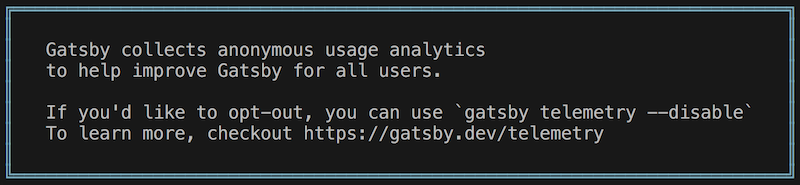
Gatsby collects anonymous usage analytics to help improve Gatsby for all users.
In your ~/.config directory, Gatsby has created some files related to
telemetry:
gatsby/
├── config.json
├── events.json
└── sites/
    └── 1932d81eba27c5c367844801f29aa32e/
        ├── developproxy.json
        ├── developstatusserver.json
        ├── metadata.json
        ├── recipesgraphqlserver.json
        └── telemetryserver.json
If you look into the config.json, you can see that tracking is enabled by
default:
{
  "telemetry": {
    "machineId": "72a8ea824-93ee-568a-f458-2bdab942a597",
    "enabled": true
  },
  "feedback": {
    "firstCheckDate": 1608330787473
  }
}
Like the note said, it can be turned off:
$ gatsby telemetry --disableIf you don’t have Gatsby installed globally, call the local Gatsby binary from
the .bin:
$ node_modules/.bin/gatsby telemetry --disableYou can also define an environment variable in your .env file or elsewhere:
GATSBY_TELEMETRY_DISABLED=1You can read more about how and why they track you, and the telemetry related code is also open source, like the rest of Gatsby.